使用 Github Actions 编译 Rust 代码
众所周知,Github Actions可以执行工作流任务,而且免费版本还具备三种系统和两种架构可选,这就非常适合拿来编译代码。
花了一些时间研究出了个编译Rust代码Github Actions Workflow文件模版,可以把简单的Rust项目分别编译成3个平台2种架构的可执行程序。
Github:Github_Actions_Rust_Workflows: 简单的Github Actions编译Rust工作流文件
工作流文件如下:
1 | name: Build Rust Project |
使用说明
1. 把 .github/workflows/rust.yml 复制到你的 rust 项目仓库根目录中
2. 在 GitHub 仓库页面的 Actions 选项卡中手动点击 Run workflow 开始构建。
3. 根据rust.yml文件中matrix选择的平台架构矩阵,工作流会自动执行并构建对应平台架构的可执行文件。
4. 构建完成后,指定目录构建产物(target/)会被上传至对应的构建产物列表中,便于下载和后续使用。
注意事项
这个工作流只会把Cargo的编译产物(target/)上传到构建产物中,如果需要上传多个文件,请自行配置rust.yml中path: output/*
依赖项目
其中使用了 dtolnay/rust-toolchain 的脚本安装 stable 版本的 Rust 工具链,感谢脚本作者的辛勤维护~
本博客所有文章除特别声明外,均采用 CC BY-NC-SA 4.0 许可协议。转载请注明来源 灌木の小破站!
相关推荐

2025-08-03
右键菜单 在此处打开PowerShell窗口 无法进入指定目录
近期某人更新了 windows 自带的老旧 PowerShell5.1 到最新版本 7.5 后,发现 在右键菜单中的 “在此处打开 PowerShell 窗口” 选项工作不正常,打开的 PowerShell 无法进入指定目录 Set-Location : 找不到接受实际参数“19”的位置形式参数。 所在位置 行:1 字符: 1 + Set-Location -literalPath D:\桌面\TempFile\新建文件夹 (19) + ~~~~~~~~~~~~~~~~~~~~~~~~~~~~~~~~~~~~~~~~~~~~~~~~~~~ + CategoryInfo : InvalidArgument: (:) [Set-Location],ParameterBindingException + FullyQualifiedErrorId : PositionalParameterNotFound,Microsoft.PowerShell.Commands.SetLocationCommand PS C:\WINDOWS\system32> 这报错,一眼就...
2025-01-26
基于 Rust 的一个随机图片 api
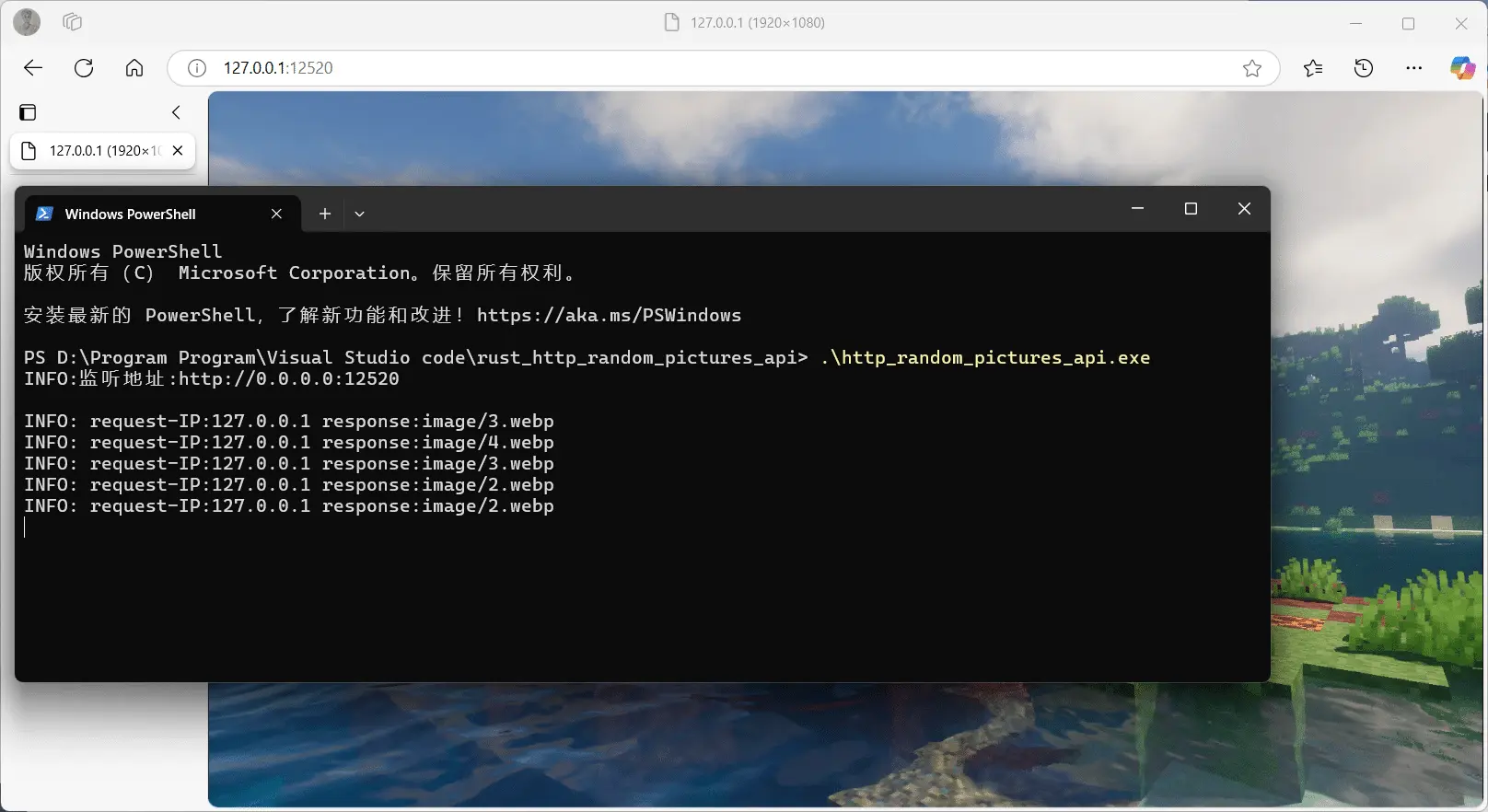
最近学了一点rust,就尝试写了个随机图片api,但没有用301/302重定向,而是直接用http响应体实现 缺点:可能不利于浏览器缓存,可更改代码中http请求头Cache-Control: max-age=0设置浏览器的缓存时间。 其中还遇到一个坑,windows的换行符和linux不兼容?windows系统下换行符在代码转义字符只能表示为”\r\n”,写成”\n”会报错,而在linux下换行符转义只能表示为”\n”,写成”\r\n”会识别不到。 main.rs源代码 1234567891011121314151617181920212223242526272829303132333435363738394041424344454647484950515253545556575859606162636465666768697071727374757677787980818283848586878889909192939495969798991001011021031041051061071081091101111121131141151161171181...
2026-03-03
Twikoo Cloudflare Workers 后端重写:让其高效的跑在边缘计算
项目地址:https://github.com/whq12520/twikoo-cf-workers 如果你和我一样,希望给静态博客配一套「免费、响应快、无运维」的评论后端,这个项目也许正好适合你。 这个项目是一个 Twikoo 1.6.45 的非官方后端实现,运行在 Cloudflare Workers 上,数据层使用 D1 + KV。 Cloudflare Workers 运行于 V8 隔离环境而非容器中,V8 隔离架构实现瞬时启动,启动时无需等待运行时加载到实例中,几乎完全消除了针对请求的冷启动。 目标很直接:在保证核心评论体验的前提下,尽量降低冷启动延迟和整体资源消耗。 为什么要做这个项目原版 Twikoo 已经非常优秀,但不同运行环境总会有一些现实约束: 需要更贴近 Cloudflare workers 的实现方式 需要更稳定的边缘响应速度 进一步降低 Cloudflare workers 的配额消耗 不需要关心运维 依赖 Cloudflare 的高可用性(这么说好像 Cloudflare 在近一年内炸了两次来着❌) 所以这个项目不是简单“换个平台部署”,而是围绕 ...

2025-02-10
使用 Github Actions 编译 Go 代码
众所周知,Github Actions可以执行工作流任务,而且免费版本还具备三种系统和两种架构可选,这就非常适合拿来编译代码。 这是一个编译 Go 代码 Github Actions Workflow 文件模版,可以把简单的 Go 项目分别编译成 3 个平台 2 种架构的可执行程序。 工作流文件如下: 1234567891011121314151617181920212223242526272829303132333435363738394041424344454647name: Build Go Projecton: workflow_dispatch:jobs: build: runs-on: ${{ matrix.os }} strategy: matrix: os: [windows-latest, ubuntu-latest, macos-latest] arch: [amd64, arm64] steps: - name: Checkout code ...

2025-05-14
Windows 下原生容器 docker(非虚拟化)安装部署
众所周知,windows下有两种容器实现方式 一种是基于虚拟化跑一个linux内核(Hyper-V WSL2),另一种是Windows原生容器(Windows container)。 本文讨论的是Windows原生容器,而不是基于虚拟化技术实现的容器。 要使用以及管理Windows container原生容器有两种方法,一种是直接使用Desktop Docker,另一种是直接使用Docker daemon + Docker CLI静态二进制可执行程序。(如果在服务器使用则建议第二种) 方法1:安装Desktop Docker可以直接去Desktop Docker官方下载 需要在安装过程的中 取消勾选 “Use WSL 2 instead of Hyper-V (recommended)” 选项 勾选 “Allow Windows Containers to be used with this installation” 选项 并在安装完成后右键任务栏右边的docker图标,选择“switch to windows containers”切换到windows容器模式。 设置完成后...

2025-03-19
docker容器 nginx + acme.sh 实现自动续签证书
在docker中使用nginx,并在nginx容器中使用acme.sh自动续签证书,本文中使用CloudFlare的dns验证进行自动续签。 因为默认docker nginx镜像中没有cron,但acme的自动续签功能又依赖于cron,所以只能在此之上构建一个带cron的docker镜像。 编写dockerfilenano ./dockerfile 123456789# 以nginx镜像为基础镜像FROM nginx:latest# 更新软件包并安装 cron 和 curl(虽然nginx镜像已经包含curl了)RUN apt-get update && apt-get install -y cron curl && \ curl https://get.acme.sh | sh# 定义启动命令,启动cron和nginxCMD ["sh", "-c", "cron & nginx -g 'daemon off;'"] 构建镜像注意:过程需要连接到get....
评论