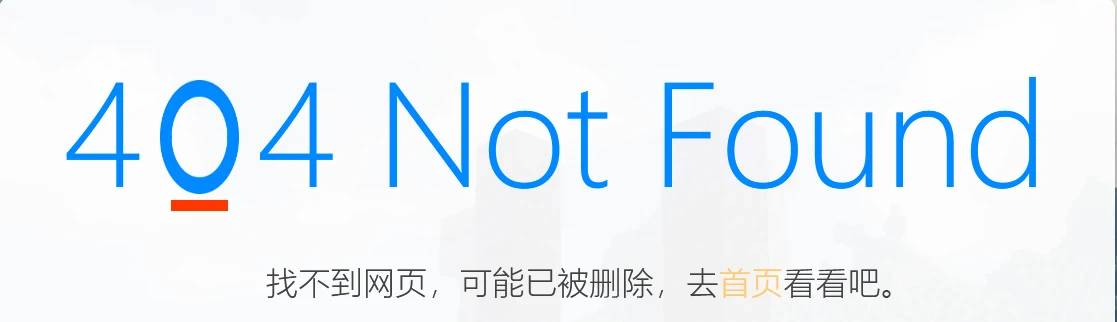
站点再次更新了404页面样式~
站点最近换 Dream2.0 Plus 主题了,但还是喜欢原来改的404动画,所以我手动修改了新主题的默认404模版代码,实现了和原来差不多的动画效果。
在横屏下使用css实现了动态的404动画,https://12520.net/404
参考了群内xjzsq大佬手搓的css代码:https://github.com/xjzsq/404-page
使用了js判断是否空间是否足够显示404动画,在 window.innerWidth >= 1440 时才展示,否则会使用图片替代。
横屏效果
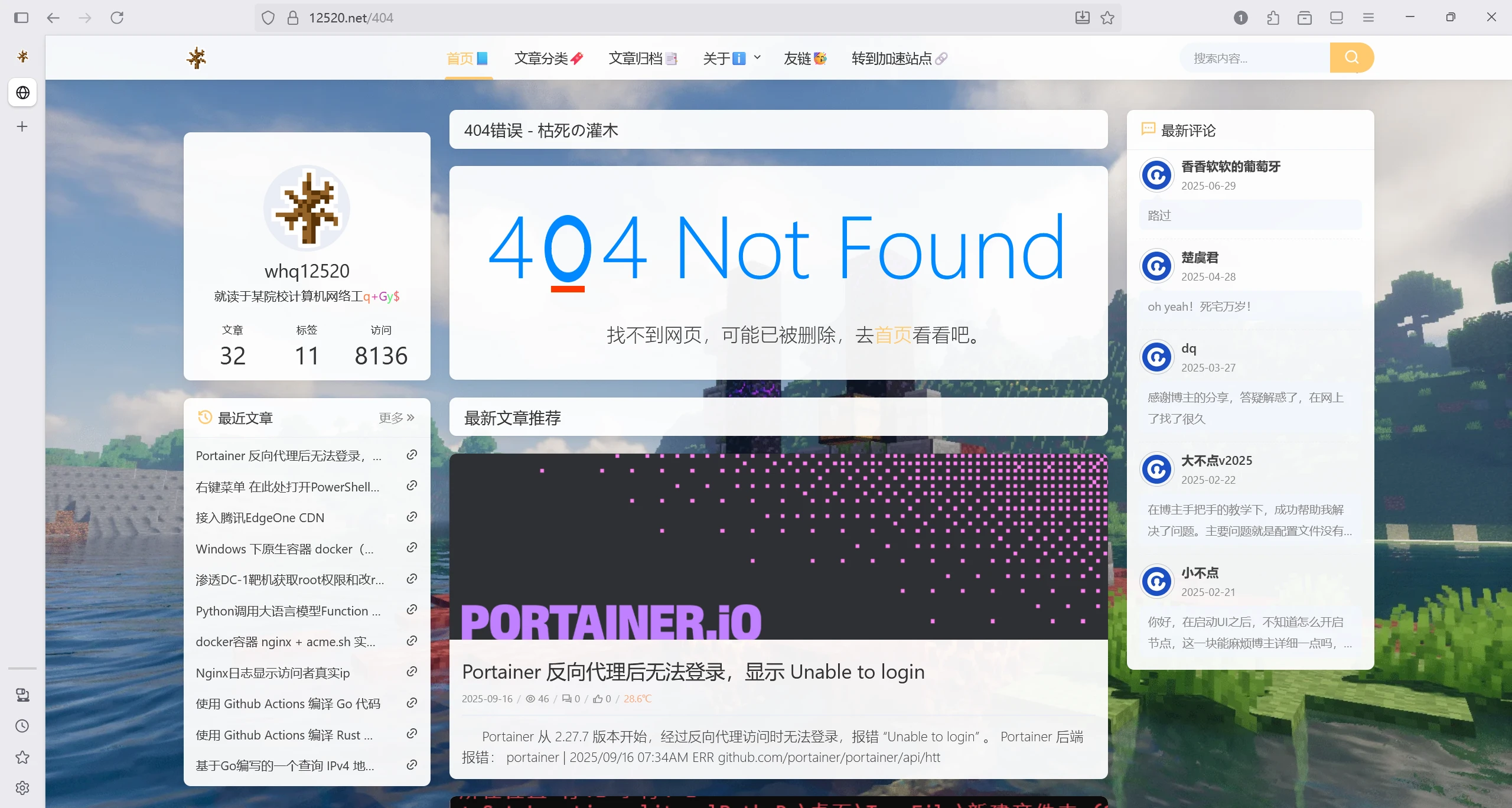
竖屏效果
修改的主题代码:halo2/themes/theme-dream2-plus/templates/error/common/error_default.html
1 | <!DOCTYPE html> |
本博客所有文章除特别声明外,均采用 CC BY-NC-SA 4.0 许可协议。转载请注明来源 灌木の小破站!
相关推荐

2024-12-30
站点更新了404页面~
在横屏下使用css实现了动态的404动画,https://12520.net/404 参考了群内xjzsq大佬手搓的css代码:https://github.com/xjzsq/404-page 使用了js判断是否空间是否足够显示404动画,在 window.innerWidth >= 1000 时才展示,否则会使用gif动图替代 横屏效果 在竖屏下则使用了git动图 竖屏效果
2025-01-26
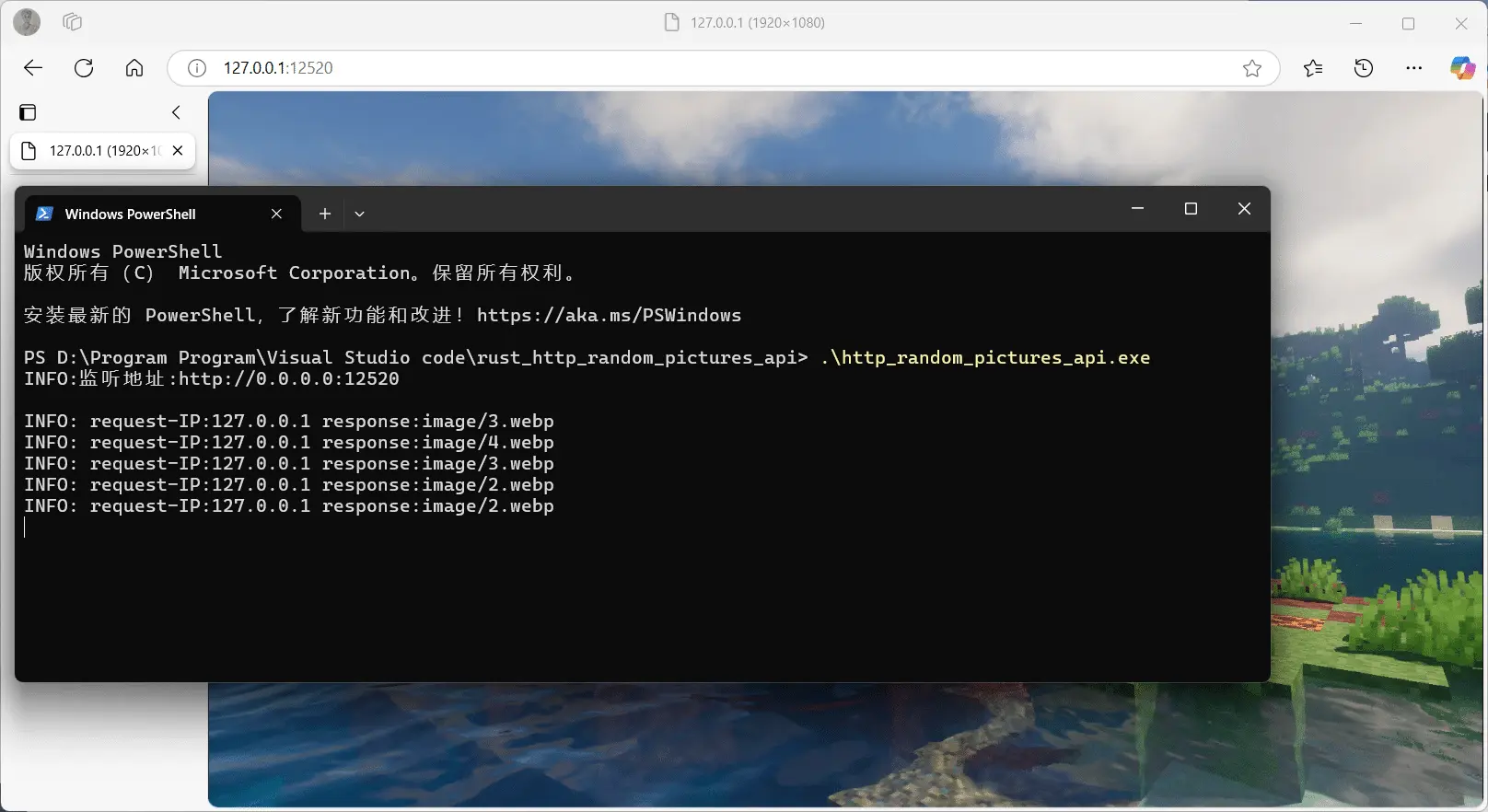
基于 Rust 的一个随机图片 api
最近学了一点rust,就尝试写了个随机图片api,但没有用301/302重定向,而是直接用http响应体实现 缺点:可能不利于浏览器缓存,可更改代码中http请求头Cache-Control: max-age=0设置浏览器的缓存时间。 其中还遇到一个坑,windows的换行符和linux不兼容?windows系统下换行符在代码转义字符只能表示为”\r\n”,写成”\n”会报错,而在linux下换行符转义只能表示为”\n”,写成”\r\n”会识别不到。 main.rs源代码 1234567891011121314151617181920212223242526272829303132333435363738394041424344454647484950515253545556575859606162636465666768697071727374757677787980818283848586878889909192939495969798991001011021031041051061071081091101111121131141151161171181...

2025-02-13
基于Go编写的一个查询 IPv4 地址归属地 API
IP 地址归属地查询 API最近小小学习了一下Go,就尝试写了个查询 IPv4 地址归属地的 api,已经上传到github供大家参考学习。 github仓库链接:WHQ12520/Go_IP_home_address_api main.go源代码(这次就懒得写注释了💦💦💦) 1234567891011121314151617181920212223242526272829303132333435363738394041424344454647484950515253545556575859606162636465666768697071727374757677787980818283package mainimport ( "fmt" "net/http" "os" "text/template" "time" "github.com/thinkeridea/go-extend/exnet" "github.com/xiaoqidu...

2025-08-03
右键菜单 在此处打开PowerShell窗口 无法进入指定目录
近期某人更新了 windows 自带的老旧 PowerShell5.1 到最新版本 7.5 后,发现 在右键菜单中的 “在此处打开 PowerShell 窗口” 选项工作不正常,打开的 PowerShell 无法进入指定目录 Set-Location : 找不到接受实际参数“19”的位置形式参数。 所在位置 行:1 字符: 1 + Set-Location -literalPath D:\桌面\TempFile\新建文件夹 (19) + ~~~~~~~~~~~~~~~~~~~~~~~~~~~~~~~~~~~~~~~~~~~~~~~~~~~ + CategoryInfo : InvalidArgument: (:) [Set-Location],ParameterBindingException + FullyQualifiedErrorId : PositionalParameterNotFound,Microsoft.PowerShell.Commands.SetLocationCommand PS C:\WINDOWS\system32> 这报错,一眼就...

2025-04-05
Python调用大语言模型Function Calling接入命令行终端(deepseek为例)
最近突然心血来潮,想着让AI直接操作我的命令行,让他帮我完成一些简单的操作,比如让AI帮你安装docker,虽然很简单() 去查了相关资料,最终选择了AI模型的Function Calling,通过编写一个接入终端的tools实例,就能让AI直接在系统下运行powershell或者bash代码。 在运行前请安装依赖以及在代码中填入API key pip install openai 全部代码 123456789101112131415161718192021222324252627282930313233343536373839404142434445464748495051525354555657585960616263646566676869707172737475767778798081828384858687888990919293949596979899100101102103104105106107108109110111112113114115from openai import OpenAIimport jsonimport subprocessimport sy...

2025-02-16
使用 Github Actions 编译 Rust 代码
众所周知,Github Actions可以执行工作流任务,而且免费版本还具备三种系统和两种架构可选,这就非常适合拿来编译代码。 花了一些时间研究出了个编译Rust代码Github Actions Workflow文件模版,可以把简单的Rust项目分别编译成3个平台2种架构的可执行程序。 Github:Github_Actions_Rust_Workflows: 简单的Github Actions编译Rust工作流文件 工作流文件如下: 1234567891011121314151617181920212223242526272829303132333435363738394041424344454647484950515253545556575859606162636465666768697071727374757677787980818283name: Build Rust Projecton: workflow_dispatch:jobs: build: env: program_name: rust_program strategy: m...
评论